Hello everyone!
On our first day of Training program, Dr. H.S.Rai sir introduced to Free CAD software for BIM 3D Modeling i.e, Building Information Modelling.I didn’t find it easy.I faced many difficulties initially but then got used to. I followed the steps of the tutorial from the Free CAD website
( https://www.freecadweb.org/wiki/Manual:BIM_modeling ).
Following are steps followed by me in brief:-
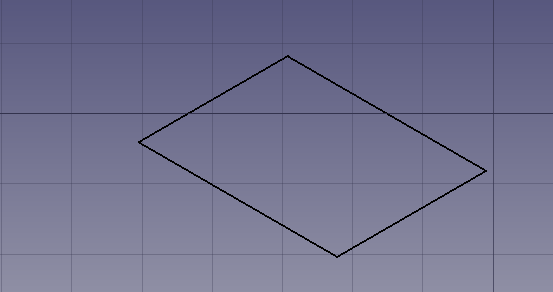
STEP-1 Select “Arch” Workbench and click on Draft and select rectangle of size 4m * 5m.
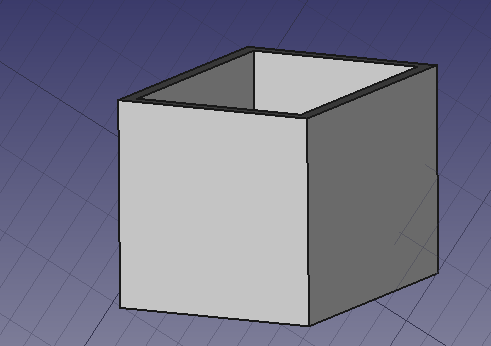
STEP-2 Then select rectangle and select wall to contruct a wall , go to property, change display height to 3m .
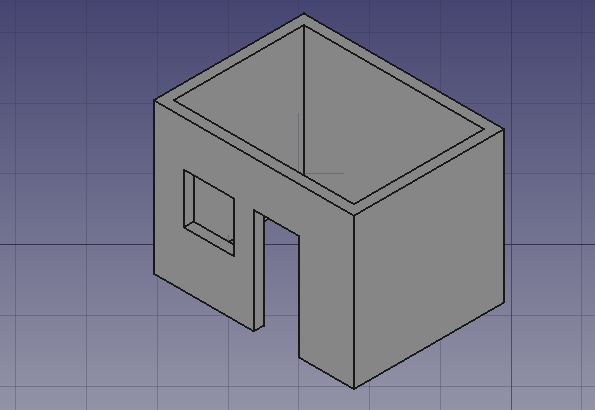
STEP-3 Then place the door and window on the wall. Use move to place the door and window.
STEP-4 Select the STRUCTURE button and create a beam as per requirement and place it over one end of the wall.
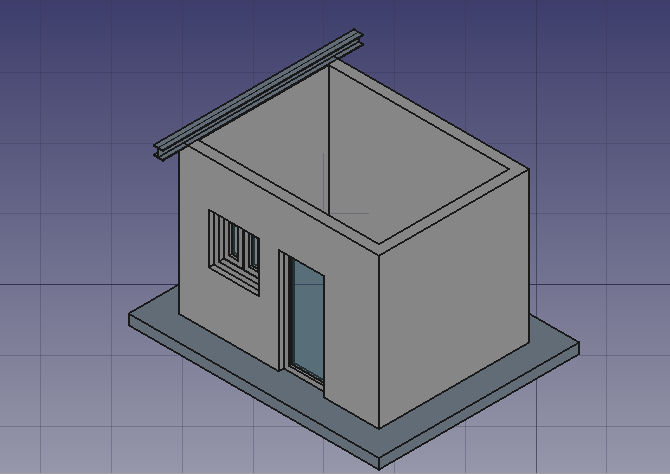
STEP-5 Now use array to place the beams at equal distance.
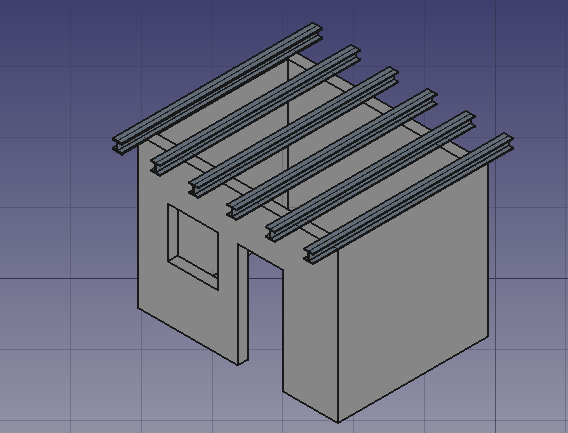
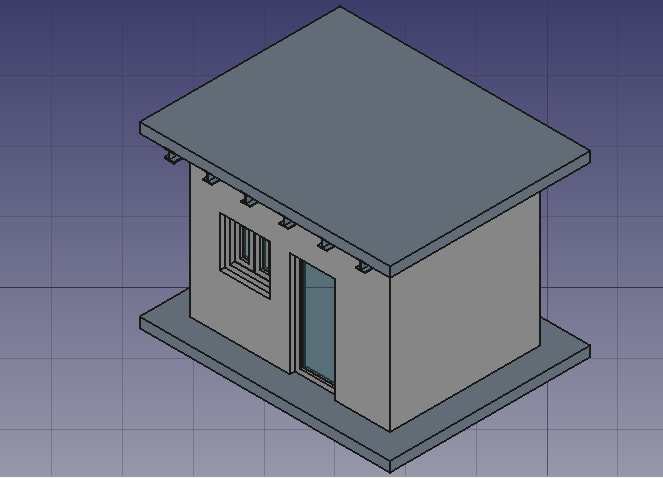
STEP-6 Select structure , than specify slab role and move.Repeat for roof slab and move upword.
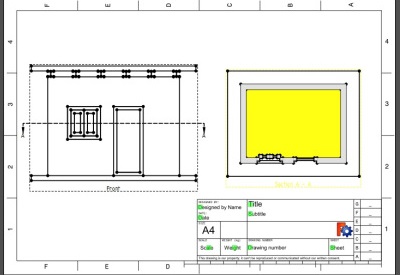
STEP-7 To extract drawing go to ‘part’ workbench and make compound by selecting everything ang go to ‘tech draw’ workbench insert a page and click on insert view and section and change scale accordingly.

 Ray's Blog