On Saturday, generally seminars are delievered by the students of Great Developer and Great Civil Engineer group. Mainly problems are discussed and solutions are given by the another students or Dr.H.S.Rai sir. Today, one CSE student delievered seminar on Printing table using cgi (programming in c) .
Today, I helped my co-trainee Gaganpreet Kaur in understanding the chart 6.1 from chapter 6 https://hsrai.gdy.club/hrb/DA/PDF/DA.pdf. We tried to understand all the concepts and theories that are used for design but we were unable to understand chart 6.1 , also tried to search for research paper on span to depth ratio.
Today, I and my co-trainer gagan went to site for site investigation.
Standard penetration test was performed in the field for two boreholes. Split tube sampler is driven into the undisturbed soil by means of a drop hammer of 63.5 kg mass falling through a height of 750 mm. First 150mm penetration blows are ignored and next 300mm penetration blows are taken as number of blows(N). Ground water table was at 8 foot. We have collected few samples of soil from different depth for further testing in the lab.
Today, I was going through design of stair slab https://hsrai.gdy.club/hrb/DA/PDF/DA.pdf and I faced the problem in check for deflection, as Fig 3 of code was not easy to understand. I consulted H.S.Rai sir for this and he told me to go through the fig and formula used. Then I and Jaspreet kaur tried to find the solution and we got the solution.
Today, sir told me to work individually so I started working on design of stair slab on octave. Then I started working on how to write a program and for that I read a program on beams from Github civil octave https://github.com/GreatDevelopers/CivilOctave
I also watched some tutorials on edx to get better understanding of function and how to write, load and save the file.
Today, me and my co-trainee gagan tried to decode table 6.6 from chapter 6 from https://hsrai.gdy.club/hrb/DA/PDF/DA.pdf i.e,how to find bending moment while knowing spacing and diameter of main bar, per m in slab so for that firstly i need to go through basics of beam so i studied about neutral axis limiting moment and all. as slab is designed as singly reinforced beam with a only difference that slab is designed per meter width.
Firstly I read about slabs i.e, slabs introduction and limit state for slab design and then i read about stairs slab. After understanding about the stairs slab, I tried to understand the example. I was able to understand till loads and moment.
Today I learned about matrix operations, vector and matrix multiplication and elementwise operations and sir gave us file on https://github.com/GreatDevelopers/CivilOctave. I tried to understand bearing capacity of soil program and input given.
On our 2nd day of training, Dr.H.S.Rai introduced us to new software “Octave”. GNU Octave is software featuring a high level programming language and helps in solving linear and nonlinear problems numerically, and for performing other numerical experiments using a language.
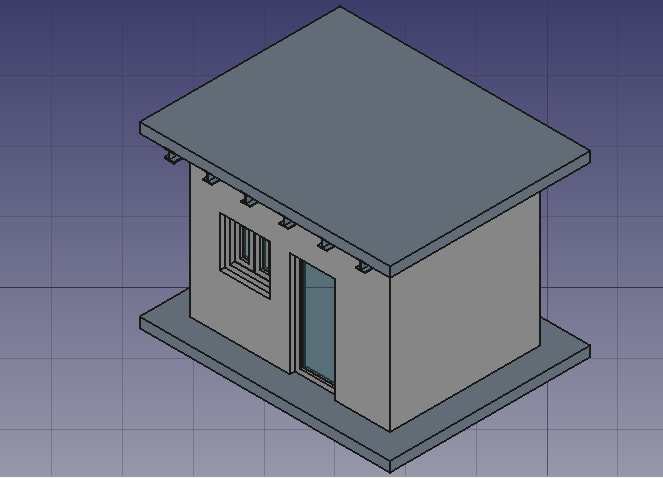
On our first day of Training program, Dr. H.S.Rai sir introduced to Free CAD software for BIM 3D Modeling i.e, Building Information Modelling.I didn’t find it easy.I faced many difficulties initially but then got used to. I followed the steps of the tutorial from the Free CAD website ( https://www.freecadweb.org/wiki/Manual:BIM_modeling ).
Following are steps followed by me in brief:-
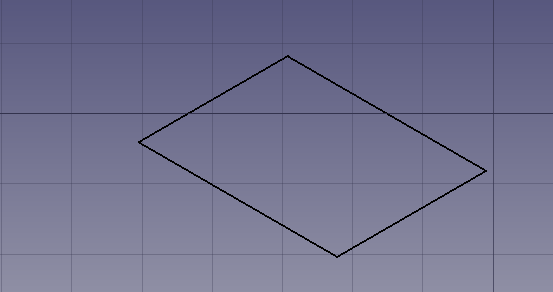
STEP-1 Select “Arch” Workbench and click on Draft and select rectangle of size 4m * 5m.
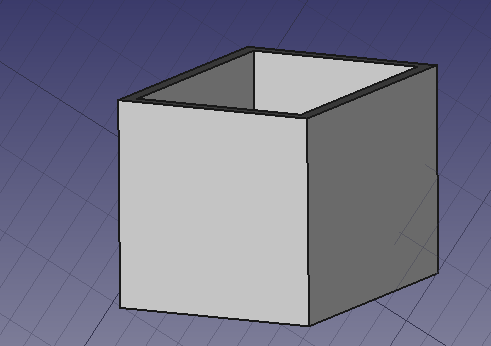
STEP-2 Then select rectangle and select wall to contruct a wall , go to property, change display height to 3m .
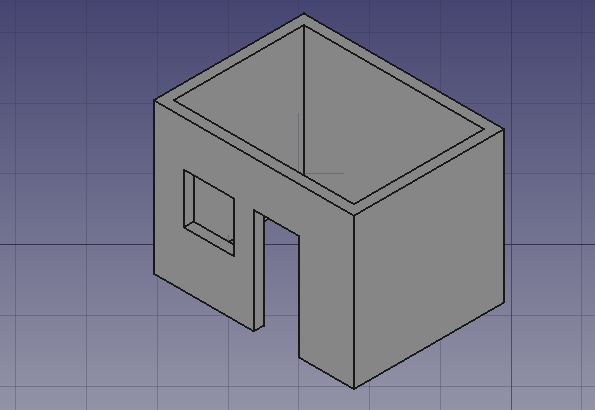
STEP-3 Then place the door and window on the wall. Use move to place the door and window.
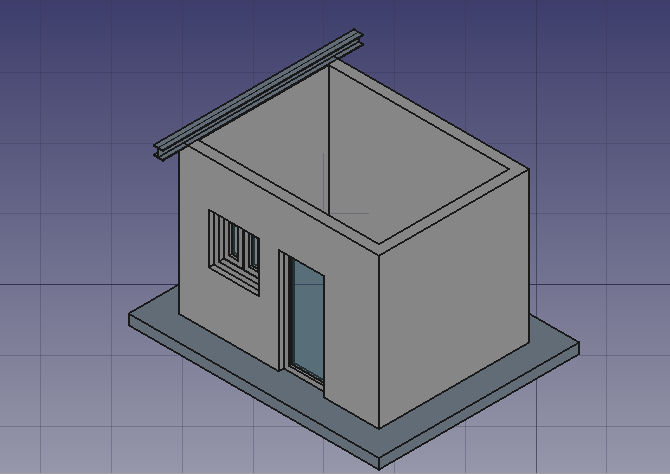
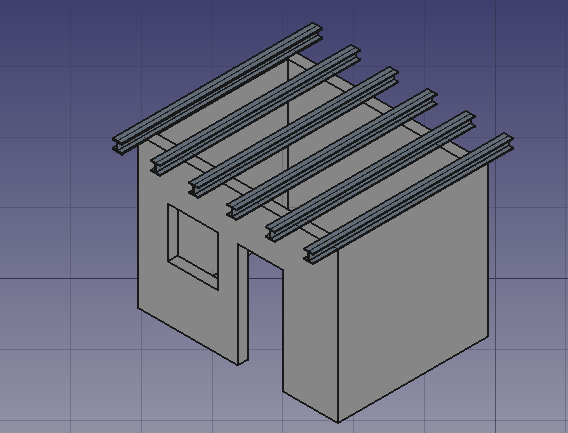
STEP-4 Select the STRUCTURE button and create a beam as per requirement and place it over one end of the wall.
STEP-5 Now use array to place the beams at equal distance.
STEP-6 Select structure , than specify slab role and move.Repeat for roof slab and move upword.
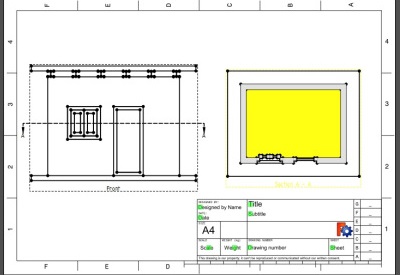
STEP-7 To extract drawing go to ‘part’ workbench and make compound by selecting everything ang go to ‘tech draw’ workbench insert a page and click on insert view and section and change scale accordingly.
 Ray's Blog